
If you manage commercial premises in Newcastle, Sunderland, Middlesbrough or anywhere else in the North East, a boiler service checklist PDF probably serves one of three purposes: a template for recording visits, a tidy home for engineers' reports, or an audit trail you can show an insurer or inspector. The tools below were chosen and judged on PDF output quality, ease of use on site, record-keeping, cost and fit for commercial plant. One point applies to all of them: a checklist records a service. It does not replace a Gas Safe registered engineer, and a completed PDF does not prove a boiler is safe.
Commercial Boiler Solutions is the company behind this article, and it is not software. It provides Gas Safe registered commercial boiler maintenance, annual inspections, gas repairs, component replacement and emergency callouts across the North East and Northumberland, including Tyneside, Wearside, Teesside and North Yorkshire. It sits first because it produces the thing every other tool on this list can only store: a service record completed by a qualified engineer.
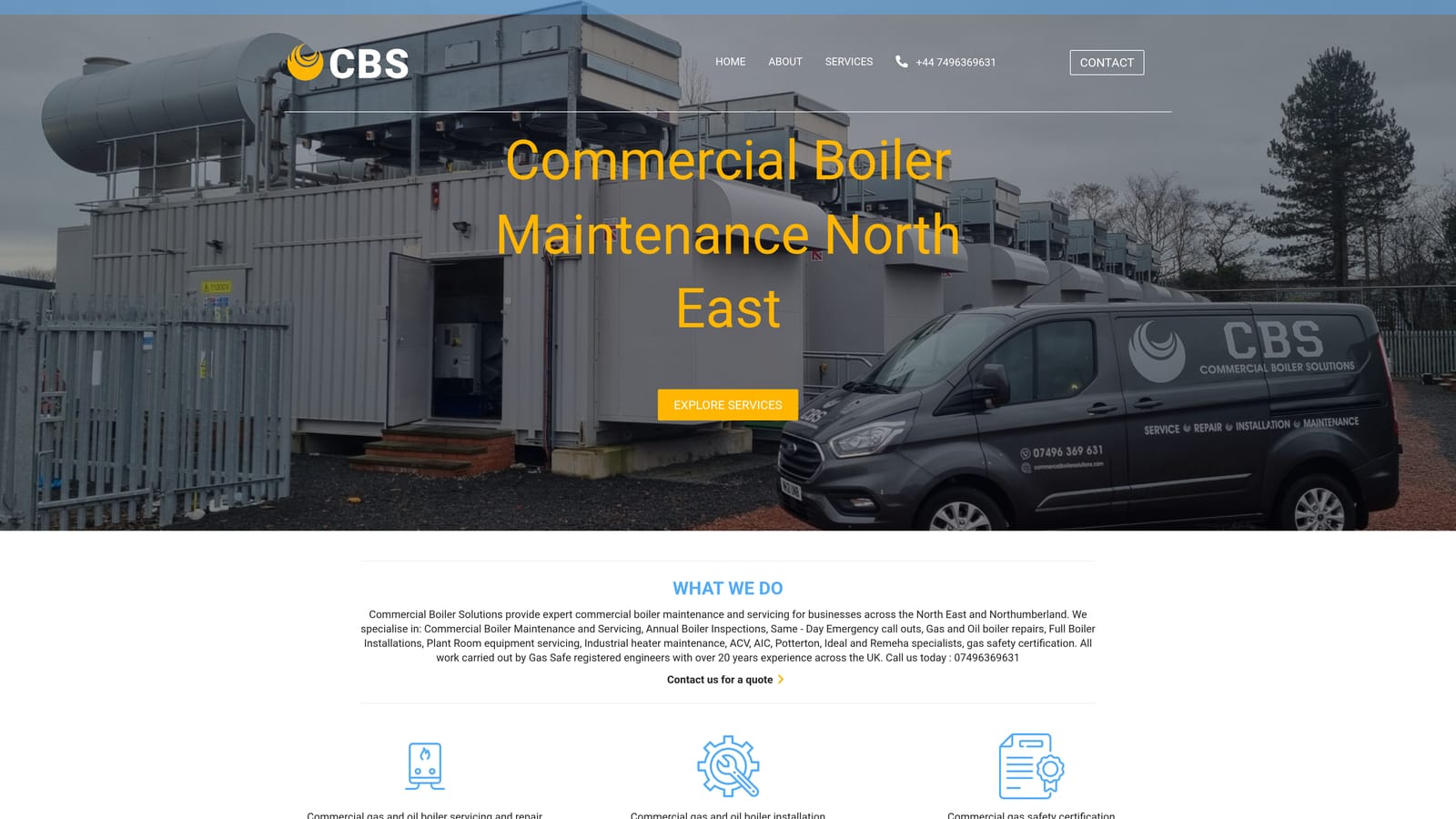
The distinction matters. Staff can record visual checks, pressure readings and log entries on any template. Servicing, repairs, flue work and combustion analysis are gas work, and gas work must be carried out by a Gas Safe registered engineer. You can verify any engineer or business on the Gas Safe Register. Under the Health and Safety at Work Act 1974, employers also have a duty to keep people on their premises safe, and the Gas Safety (Installation and Use) Regulations 1998 require gas appliances and flues to be maintained in a safe condition. A competent annual service is how most commercial sites meet that in practice.
There is no integration to set up. The reports can be filed in any of the tools below, whether that is SharePoint, a CMMS or a shared drive. Day-to-day effort on your side is limited to giving access and keeping the report.
The limits are plain. It offers no self-serve template builder, so if you want a blank checklist to design and print, look further down the list. It also serves the North East and Northumberland only. Pricing is quote-based and depends on the site, the plant and the service frequency. Ideally, book before the autumn heating peak rather than during it.
Best for: Commercial properties needing a compliant, engineer-completed service record.
SafetyCulture, widely known by its earlier name iAuditor, is a mobile inspection platform. Staff walk the site with a phone or tablet, answer a template, and the app produces a branded PDF report. It suits organisations that run regular inspections across several buildings and want consistency between them.

Its distinctive strength is follow-through. A recurring inspection can raise a corrective action when something fails, assign it, and track it to closure. For a plant room walk-round, that means a noted issue such as a leaking valve or a blocked ventilation grille does not just sit in a report.
It connects with Microsoft Teams, Slack and Zapier, and offers API access. Setup is light: a manager builds or adapts a template, and site staff use the app. Expect an hour or two to tailor a boiler room template properly.
The main drawback is cost growth. Pricing is per seat, so larger teams pay more as they add inspectors. As of October 2026 a free plan exists and paid plans are priced per seat; check the website for current limits. It is a record of visual checks and logged readings, not a substitute for an engineer's service report.
Best for: Multi-site teams running regular walk-round inspections.
GoCanvas is a mobile forms platform built around converting paper. If your site already has a checklist that staff and contractors recognise, GoCanvas digitises it, and the PDF output reproduces the original layout. That helps where auditors or insurers are used to a particular format.
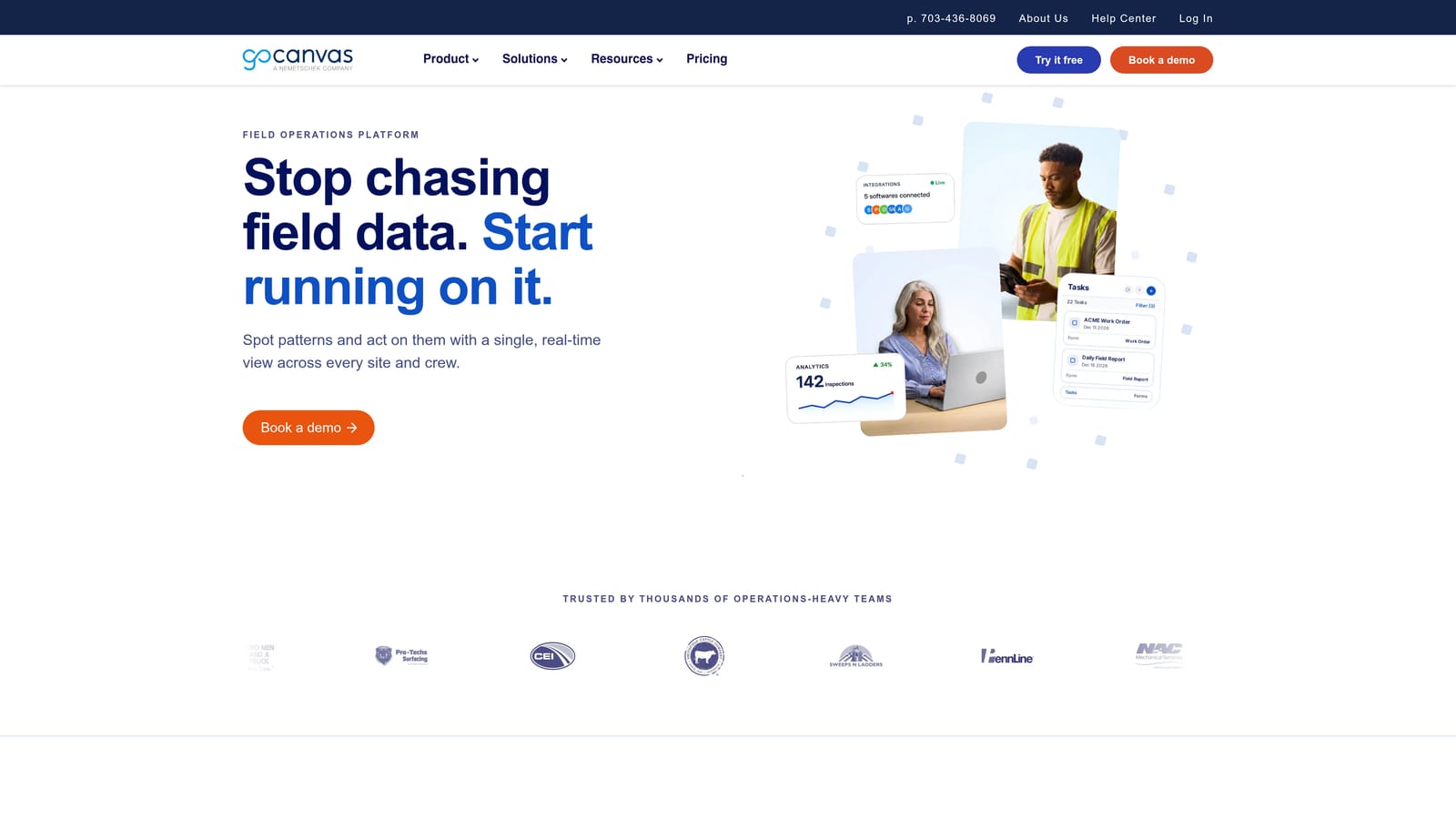
Plant rooms often have poor signal, so its offline capture is a practical advantage. Data is collected without a connection and syncs later.
It works with Zapier, Microsoft Power Automate and an API. Setup takes more effort than a simple form builder, since forms are built or converted and workflows configured, usually by a facilities or operations lead.
It is aimed at larger field teams, so a single-site manager with one boiler may find it more than needed. Pricing is plan-based, and the details change, so check the website as of October 2026. As with every tool here, it records what staff observe; it does not carry out or replace a gas service.
Best for: Organisations keeping an established paper checklist format.
Jotform is an online form builder that turns each submission into a PDF. You can have a weekly boiler room check form live and emailing PDFs within an afternoon, which is the quickest route on this list to a working system on a free tier.
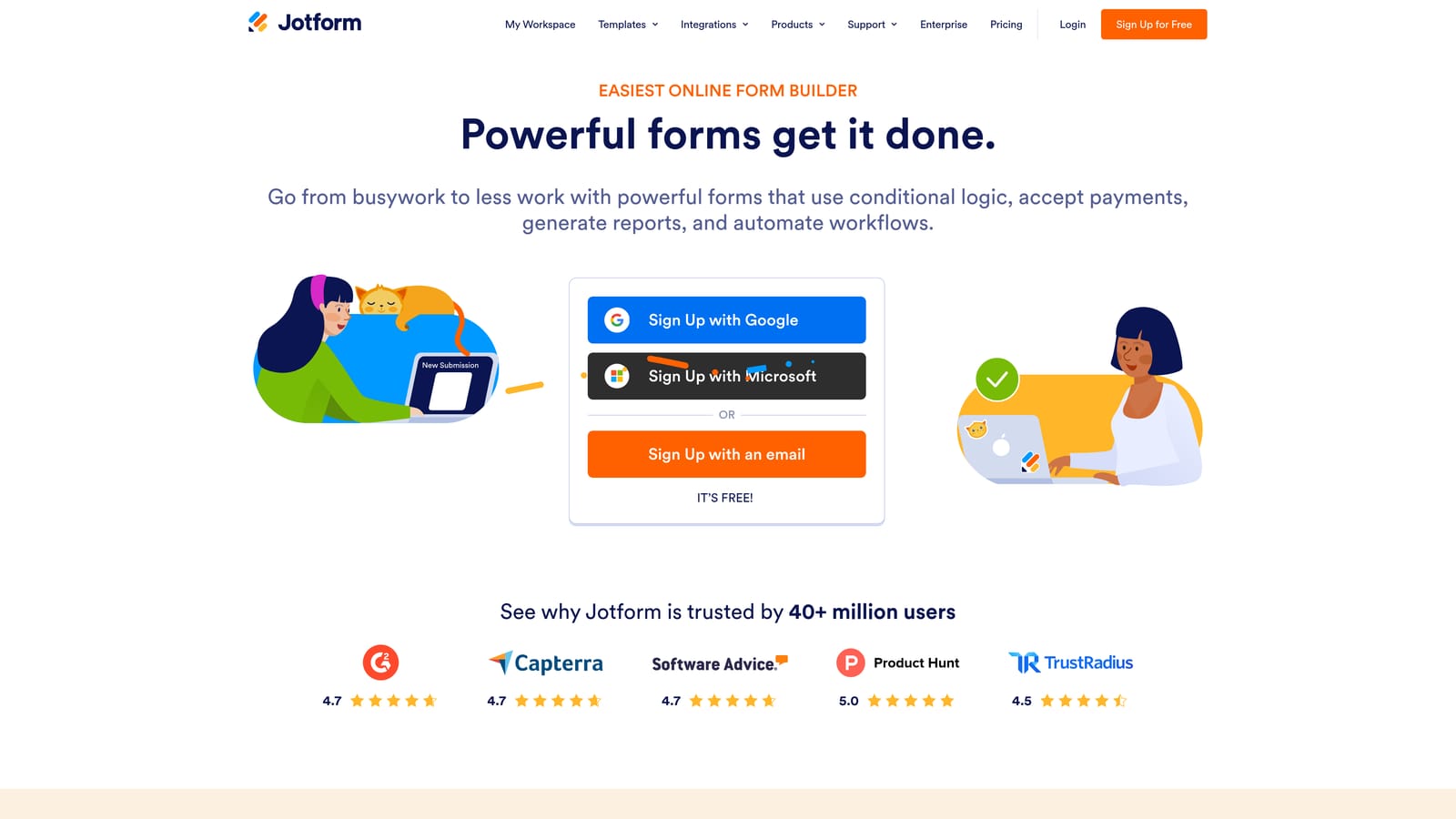
It also includes a PDF editor for fillable documents, so the same account can cover both a submitted form and a printable version.
It links to Google Sheets, Google Drive, Dropbox and Microsoft OneDrive, so submissions can build a running log in a spreadsheet. One person can set it up and run it.
The gap is asset management. There is no asset history and no maintenance scheduling, so it will not remind you that a service is due or show trends for a specific boiler. A free plan is available with submission limits; paid tiers lift them, so see the website for current figures as of October 2026. Use it for visual checks and logs only. Anything involving the boiler's gas side belongs to a Gas Safe registered engineer.
Best for: Small sites wanting a simple weekly check form.
Adobe Acrobat is the tool for the document itself. If what you want is a polished, standard fillable PDF with tick boxes, text fields and signature areas, to issue to contractors or keep as a master template, Acrobat gives the most control of anything here. A fillable PDF is simply a PDF with interactive fields that can be completed on screen and saved.
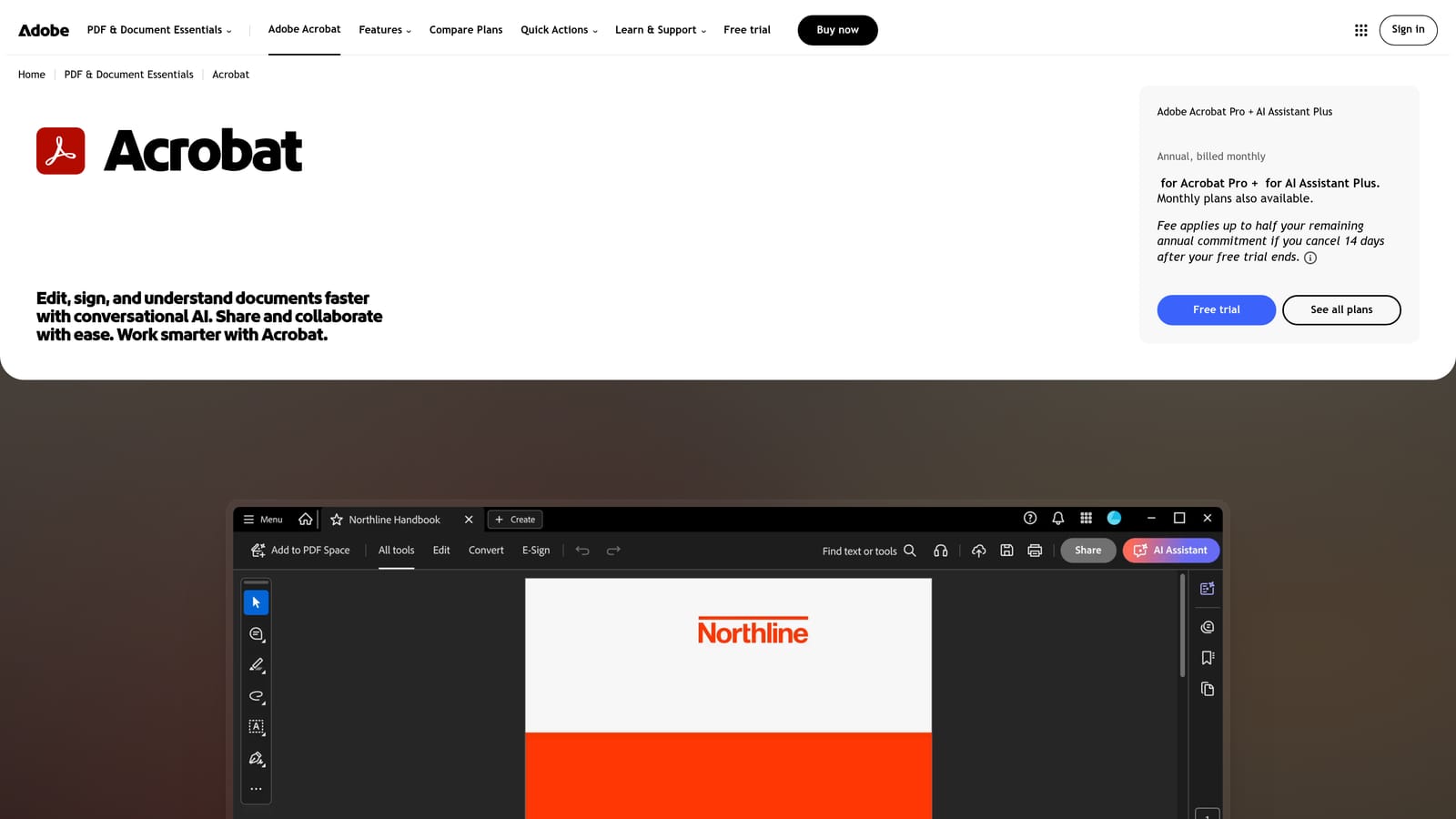
It is a document tool, not a workflow tool. Nothing in it reminds anyone to do a check or tracks results over time.
It works with Microsoft 365, Microsoft Teams, Google Drive and Dropbox. Setup is quick for one person who is comfortable with forms, and there is no system to maintain afterwards beyond updating the template.
It does not suit anyone wanting photo capture, reminders or trend tracking, because it offers none of them. It is subscription-based, and pricing varies by plan and number of users, so check the website as of October 2026. Issuing a neat PDF to a contractor does not make the contractor competent: confirm Gas Safe registration on the Gas Safe Register before any gas work.
Best for: Teams that need a polished, standard fillable PDF to issue to contractors.
Microsoft 365 will already be in place at many organisations, which is its main appeal. A Word or Excel template can be exported to PDF, Microsoft Forms can collect checks from a phone, and Power Automate can move responses into a log. Nobody needs a new login or a new supplier approval.
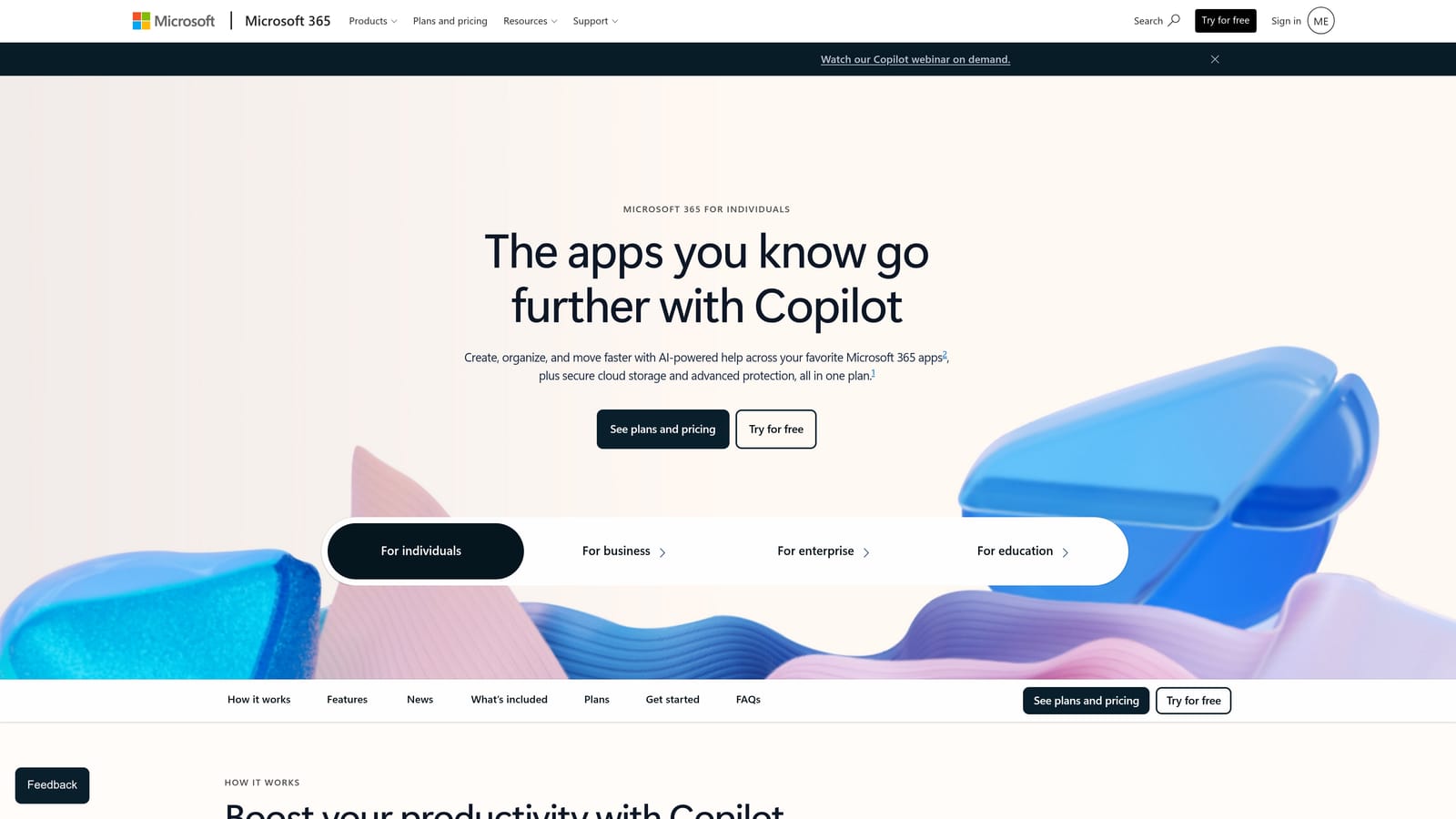
Its standout quality is fit with what you already run. Completed records can land in SharePoint folders, be shared in Teams and be found through normal search, which helps when you need to produce a file for an audit trail, meaning a dated, traceable record of who did what and when.
It integrates naturally with Teams, SharePoint, Outlook and Power Automate. The catch is who builds it. Automation needs someone with the skills to design and maintain it, and when that person leaves, the system can become fragile. Out of the box, there are no scheduled-maintenance features or asset records.
Pricing is a per-user subscription and depends on the plan, so see the website as of October 2026. Organisations with an IT team will find this easy; those without may prefer a purpose-built tool.
Best for: Organisations already on Microsoft 365 wanting no new login.
UpKeep is a CMMS, or computerised maintenance management system: software that holds records of your equipment, schedules maintenance and tracks the work done. It is the only true asset-based system on this list for facilities with many boilers or other plant, such as pumps, air handling units and calorifiers.
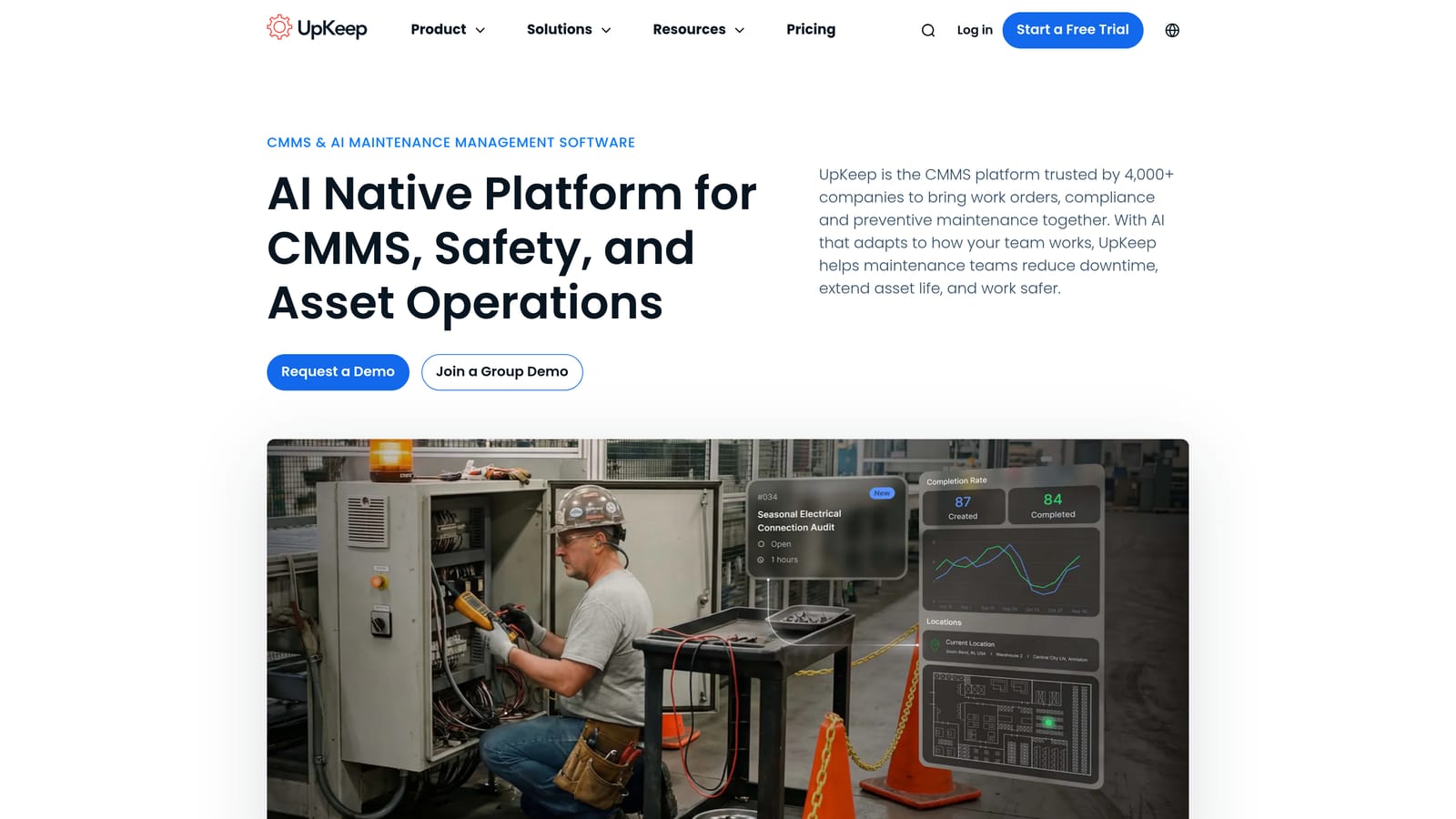
What sets it apart is scheduling tied to each asset. Each boiler gets its own record, its own service intervals and its own history, so you can see at a glance what is due and what was last done.
It offers API access, Zapier and accounting and ERP connectors; confirm the current integration list with the vendor. Setup takes real effort: assets must be entered, schedules built and users trained, typically by a facilities or maintenance manager.
That is also its limit. For a single-boiler site it is more system than you need. Pricing is per user on tiered plans, so see the website as of October 2026. UpKeep stores and schedules; the annual service itself must still be done by a Gas Safe registered engineer, with the report attached to the asset.
Best for: Facility teams managing multiple boilers and other plant.
Google Workspace is the lowest-friction option for a team that wants a shared log without buying specialist software. A Google Sheet can act as a running boiler log, a Doc can hold a printable checklist that downloads as a PDF, and Google Forms can collect checks from a phone.
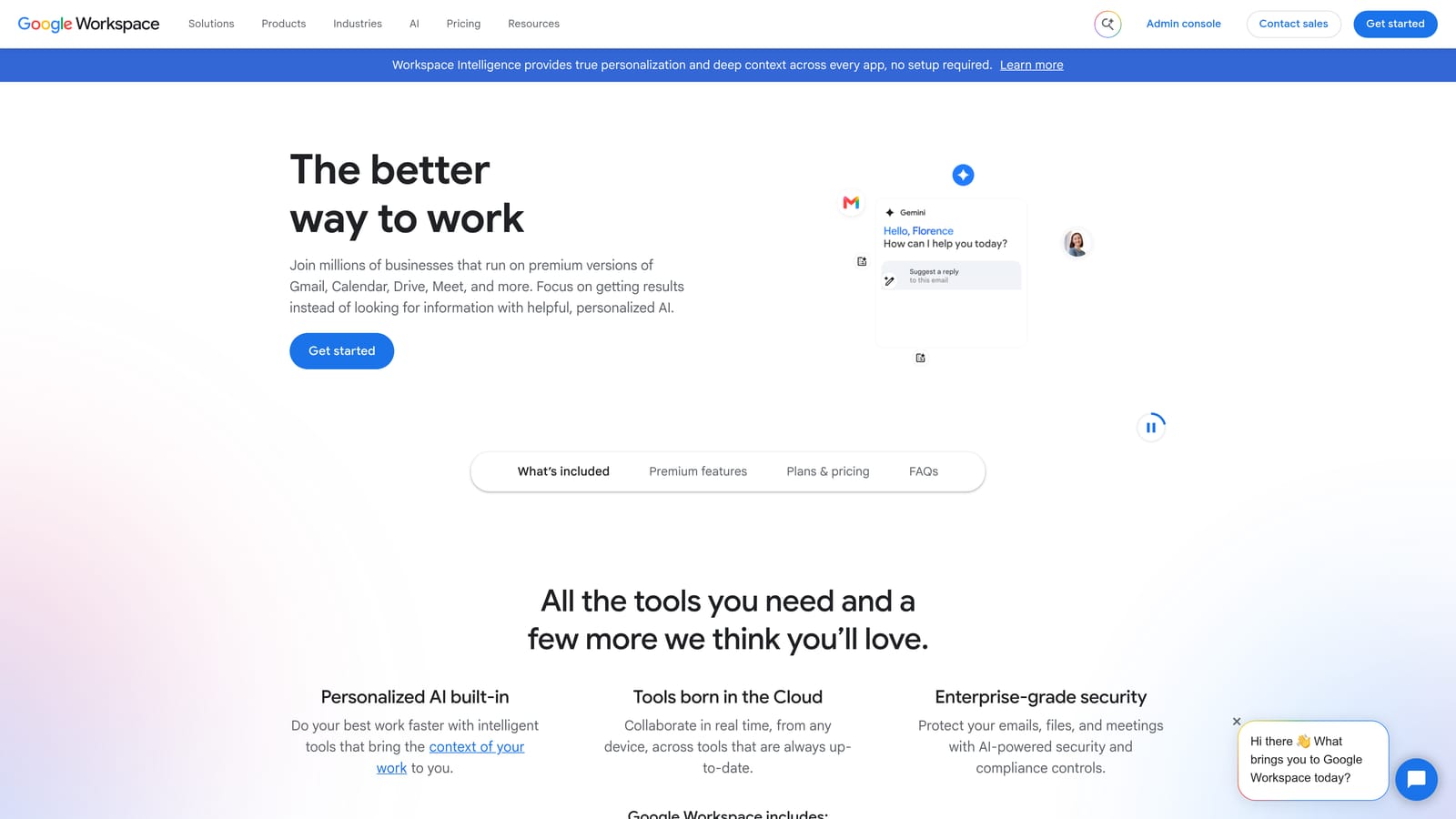
Its distinctive strength is live collaboration. Several people on site, or a manager off site, can see the same log update in real time, which suits small teams sharing responsibility for daily or weekly checks.
It integrates with Drive, Gmail, Google Calendar and Zapier. Setup is minimal, and one person can run it, though a sensible folder structure and naming convention make a big difference later.
The limits are real. There are no built-in compliance controls or reminders, unless you build calendar alerts yourself, and PDF formatting is basic. Records can also be edited after the fact unless you manage permissions carefully, which weakens the audit value. Free personal accounts exist, and paid business plans are available; see the website as of October 2026. It suits low-risk logging only.
Best for: Budget-conscious sites wanting a shared, low-cost log.
Start with what each kind of tool can and cannot do. Software records checks. Only a Gas Safe registered engineer can service a boiler, repair it, inspect the flue or carry out combustion analysis, and you can confirm anyone's registration on the Gas Safe Register. If you smell gas or suspect a leak, leave the area and call the National Gas Emergency Service on 0800 111 999.
The strongest setup combines the two halves: an engineer's report from a Gas Safe registered business, filed in whichever system suits your team. With the autumn and winter heating peak approaching across Tyneside, Wearside and Teesside, servicing is best booked before demand rises. Our Learn more about our services page covers annual inspections and maintenance contracts for commercial properties across the North East and Northumberland, so you can get a compliant record rather than just a blank form.